

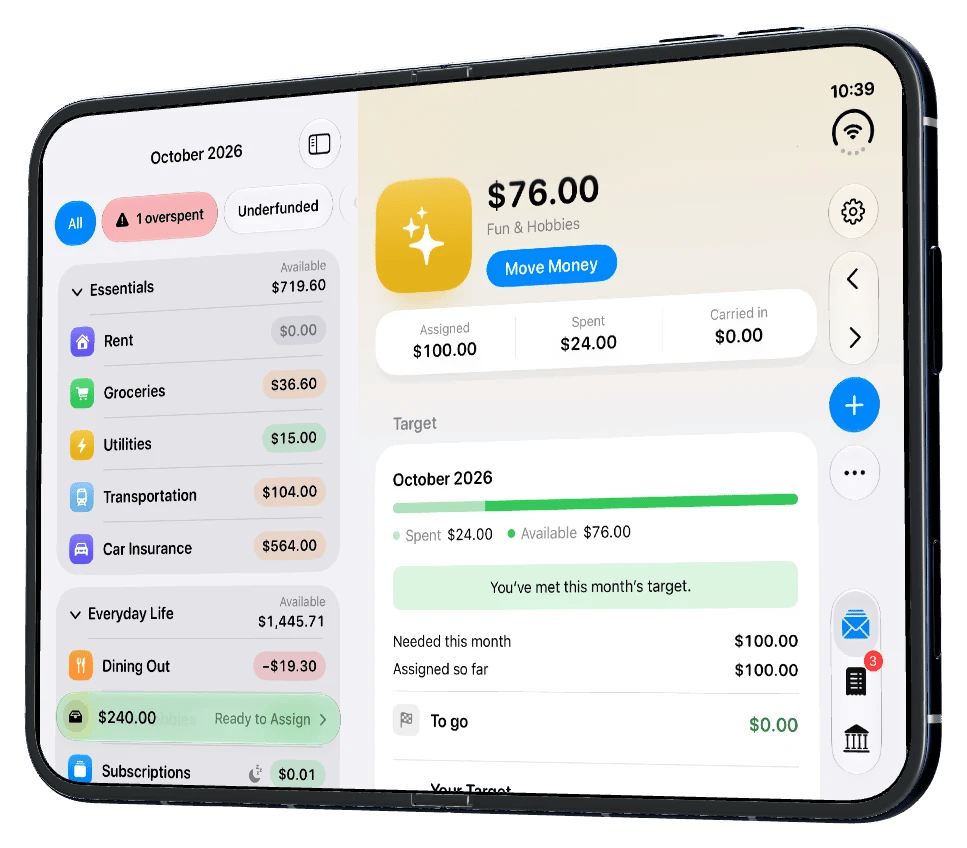
Open: the envelope list beside the envelope you're looking at.
Open
On the open display, Budget and Accounts show their list and the item you choose side by side:- Budget: tap an envelope and it opens next to the list. Check it, move money, then tap the next one without going back.
- Accounts: tap an account to see its transactions and balances next to the list.
Buttons along the side
On iPhone Duo, the tabs and toolbar buttons sit in bars along the side instead of across the bottom, so the rest of the screen is left for your budget. While you scroll an envelope, More, Edit and Move Money stay in reach.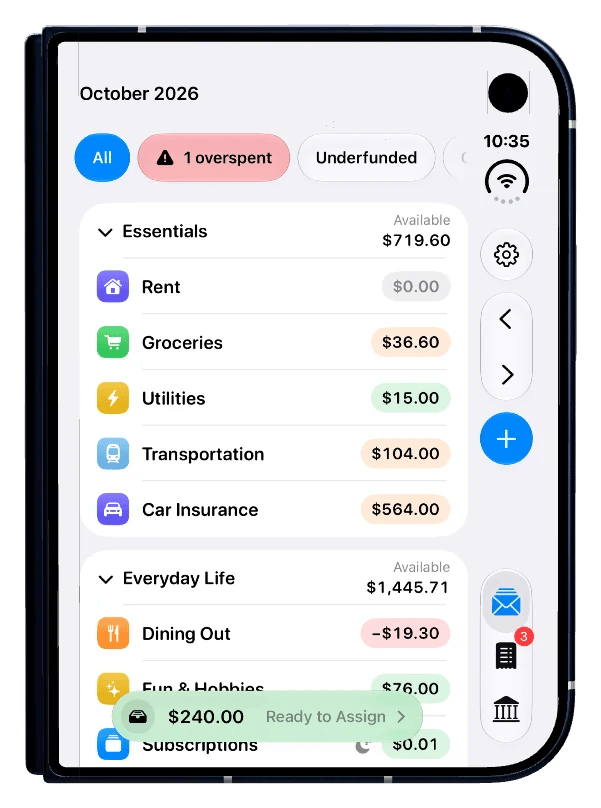
Bars along the side, with the tabs at the bottom right.